Three steps
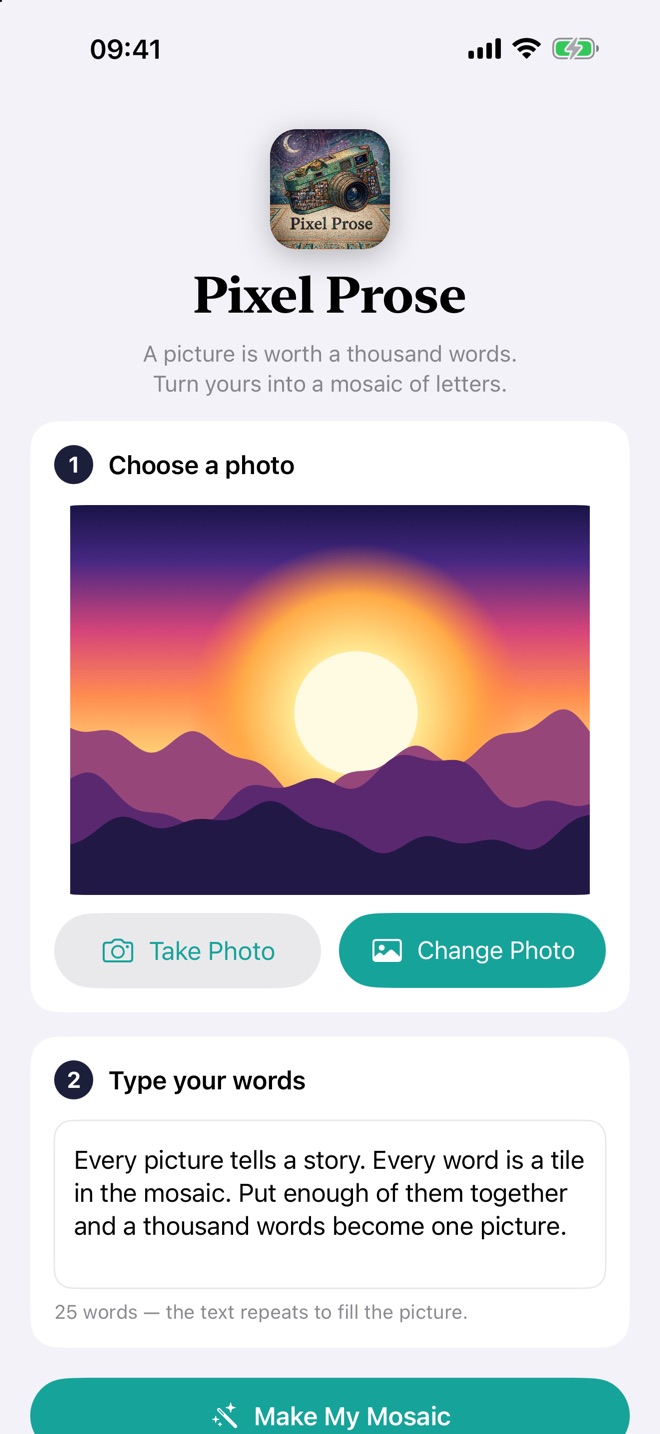
No account, no setup. Pick a photo, type your words, and watch it appear.
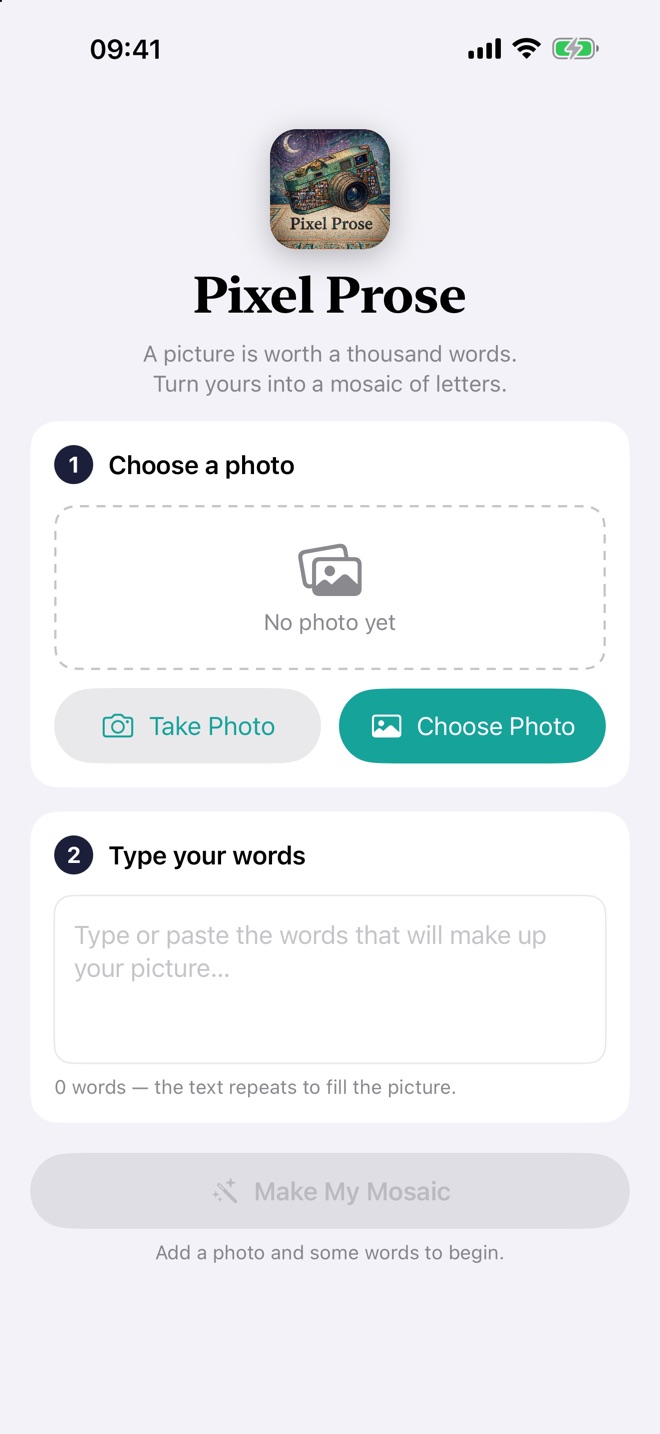
Choose a photo
From your library, or take one with the camera. Portraits, landscapes, pets, logos — anything with a clear shape works beautifully.
Type your words
Type or paste a poem, lyrics, a message to someone you love. The text repeats to fill the whole picture.
Make it yours
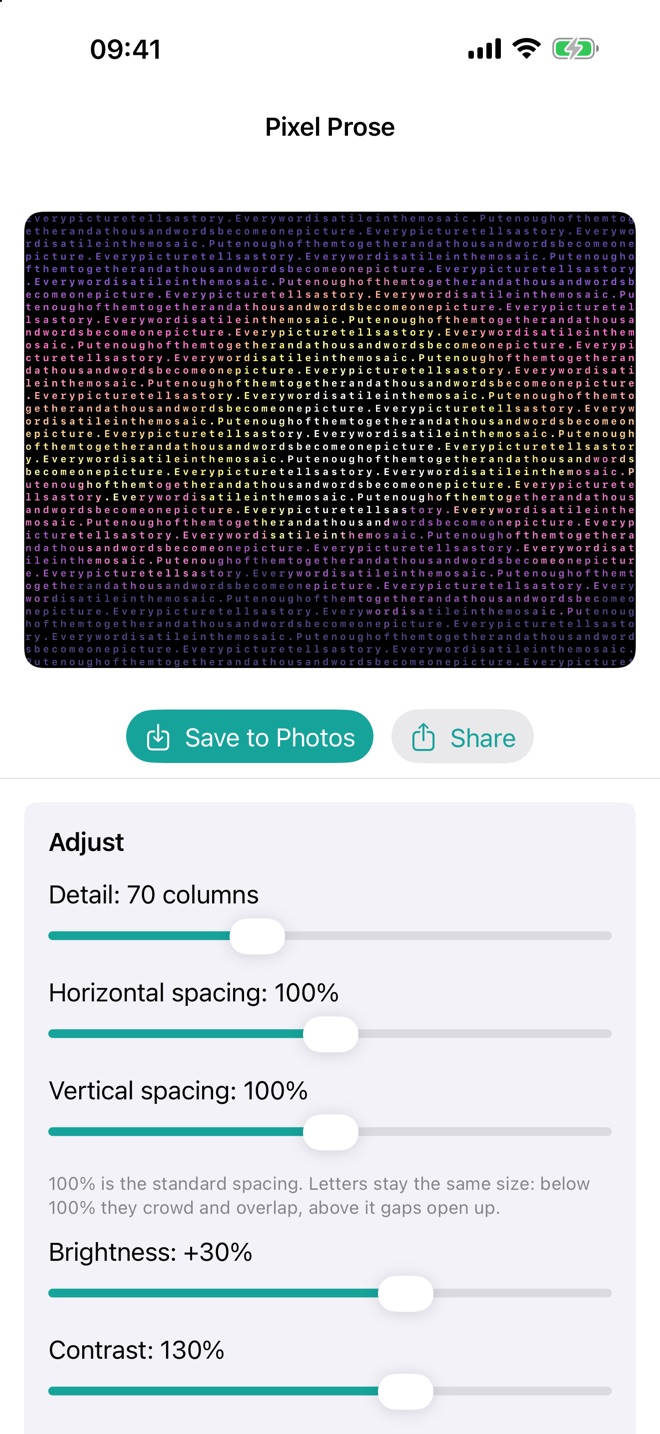
The mosaic stays on screen while you adjust it. Drag a slider and it redraws instantly. Then save or share.
See it in action
Real screens from the app.
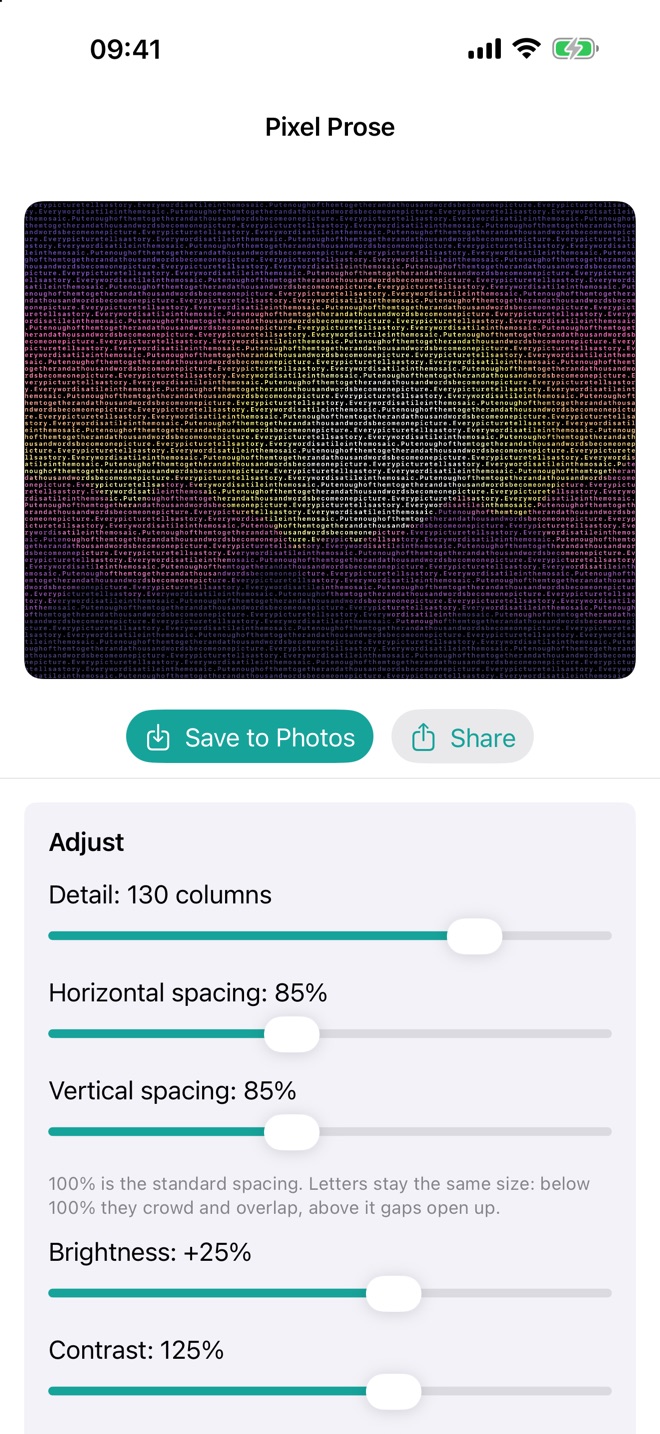
Shape it live
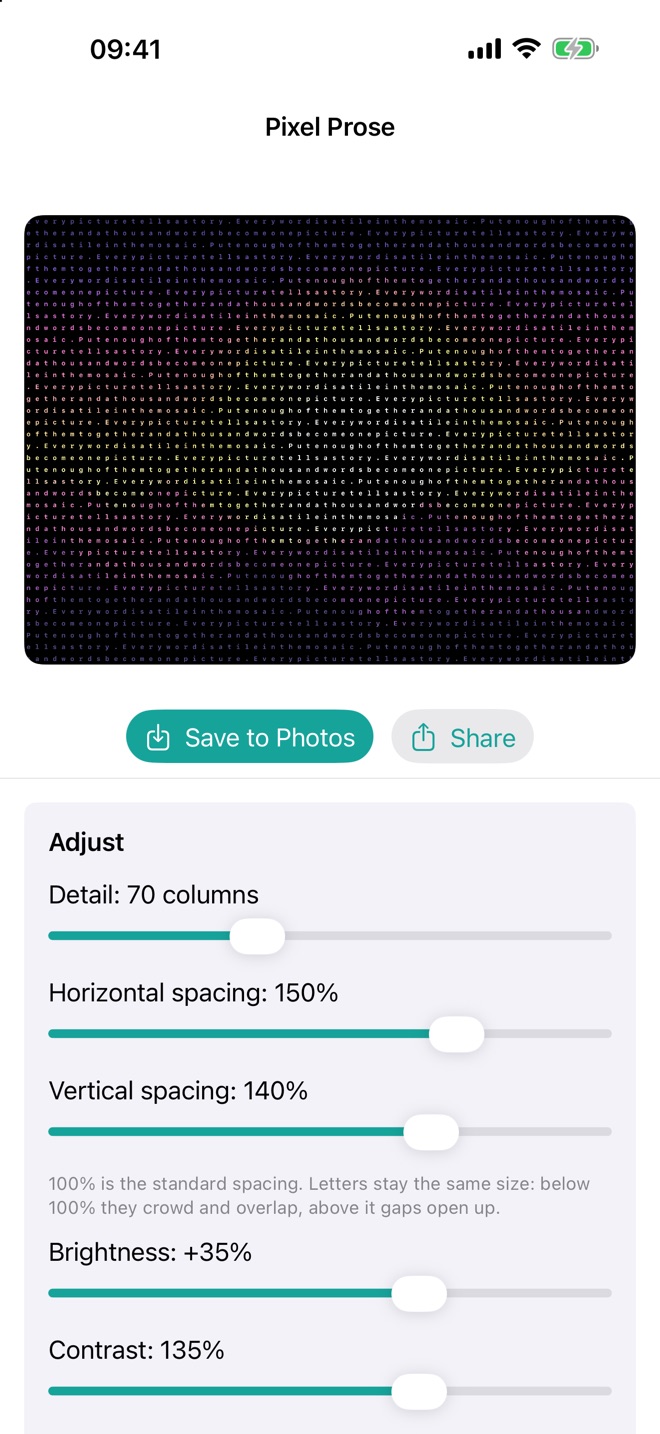
Your mosaic is pinned at the top, so you always see the effect of every change.
Detail
From 20 to 160 columns — a bold, chunky mosaic or a fine, photographic one.
Horizontal & vertical spacing
Pull the letters tight until they overlap, or spread them out with air between, from 0 to 200%.
Brightness & contrast
Make the colours glow against the black background, or soften them.
Skip spaces
Pack the letters into a solid texture, or keep the gaps between your words.
Save & share
Save the finished picture to your library or send it from the share sheet — ideal for gifts, cards and posters.
Free
Nothing to buy, no subscription, no watermark.
Private by design
Everything happens on your device. Your photos and your words are never uploaded. No account, no ads, no tracking, and it works with no internet connection at all.